Open the Intiveo application (this is located on your server computer).
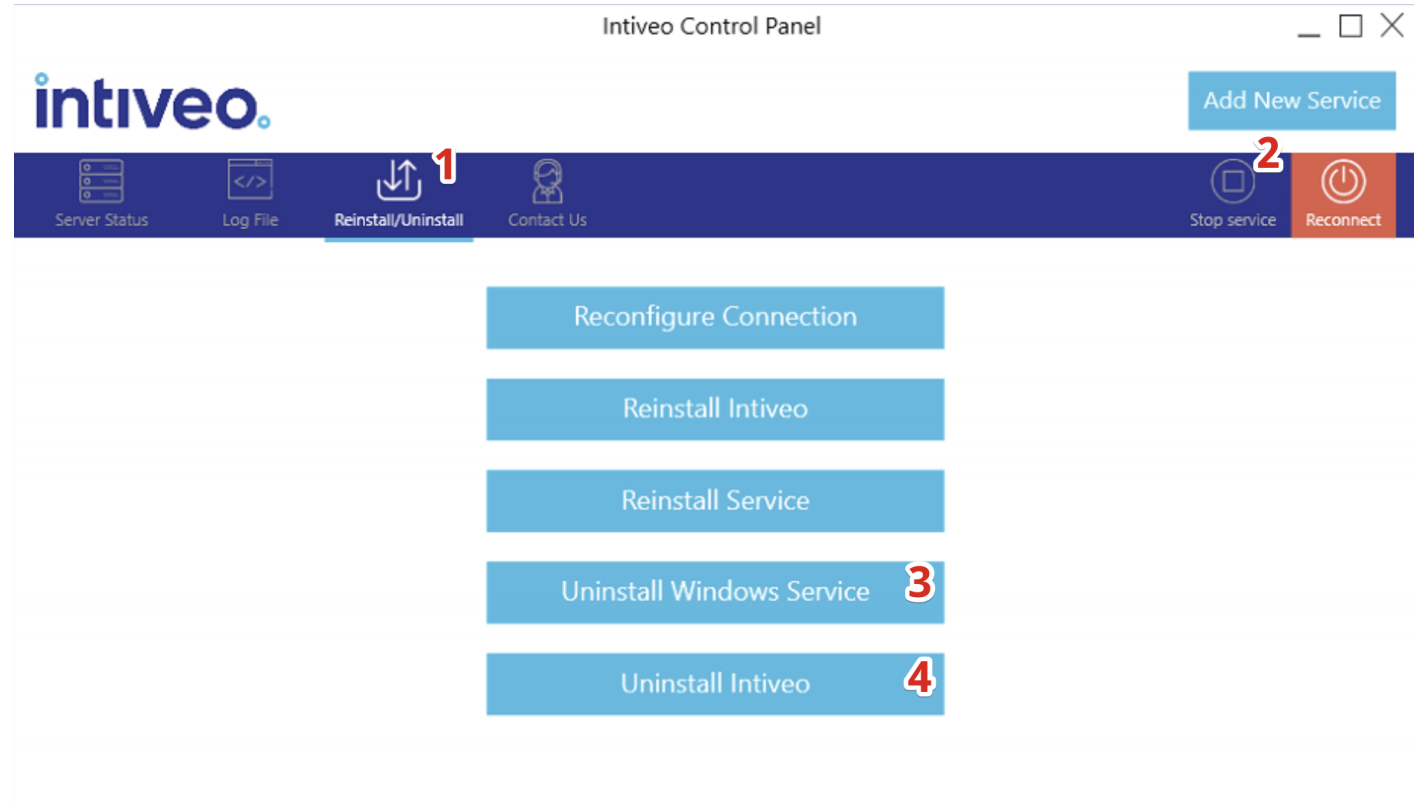
- Click Reinstall/Uninstall on the top.
- Click Stop Service.
- Click Uninstall Windows Service
- And then click Uninstall Intiveo.
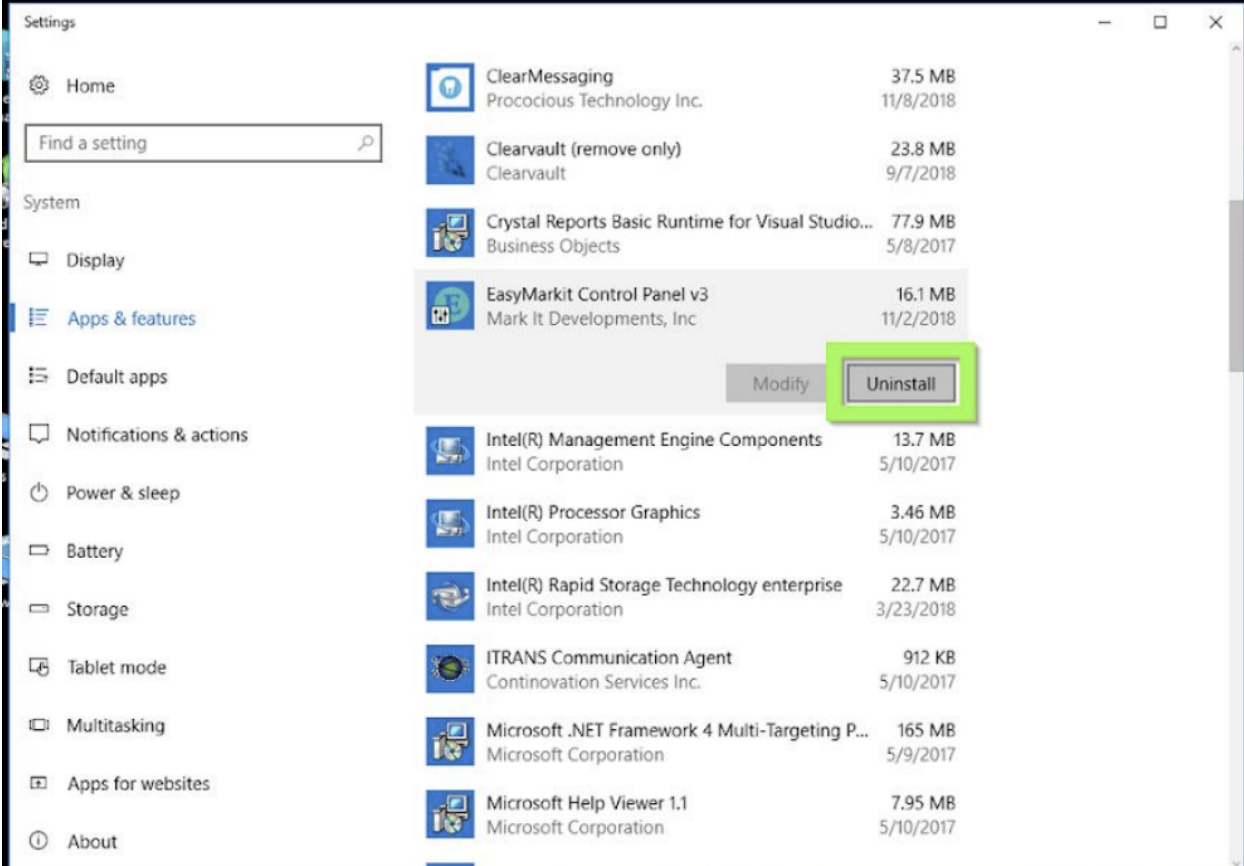
1. Open Add or Remove Programs (Sometimes called Program Features) and find Intiveo Control App, and select to uninstall the application.
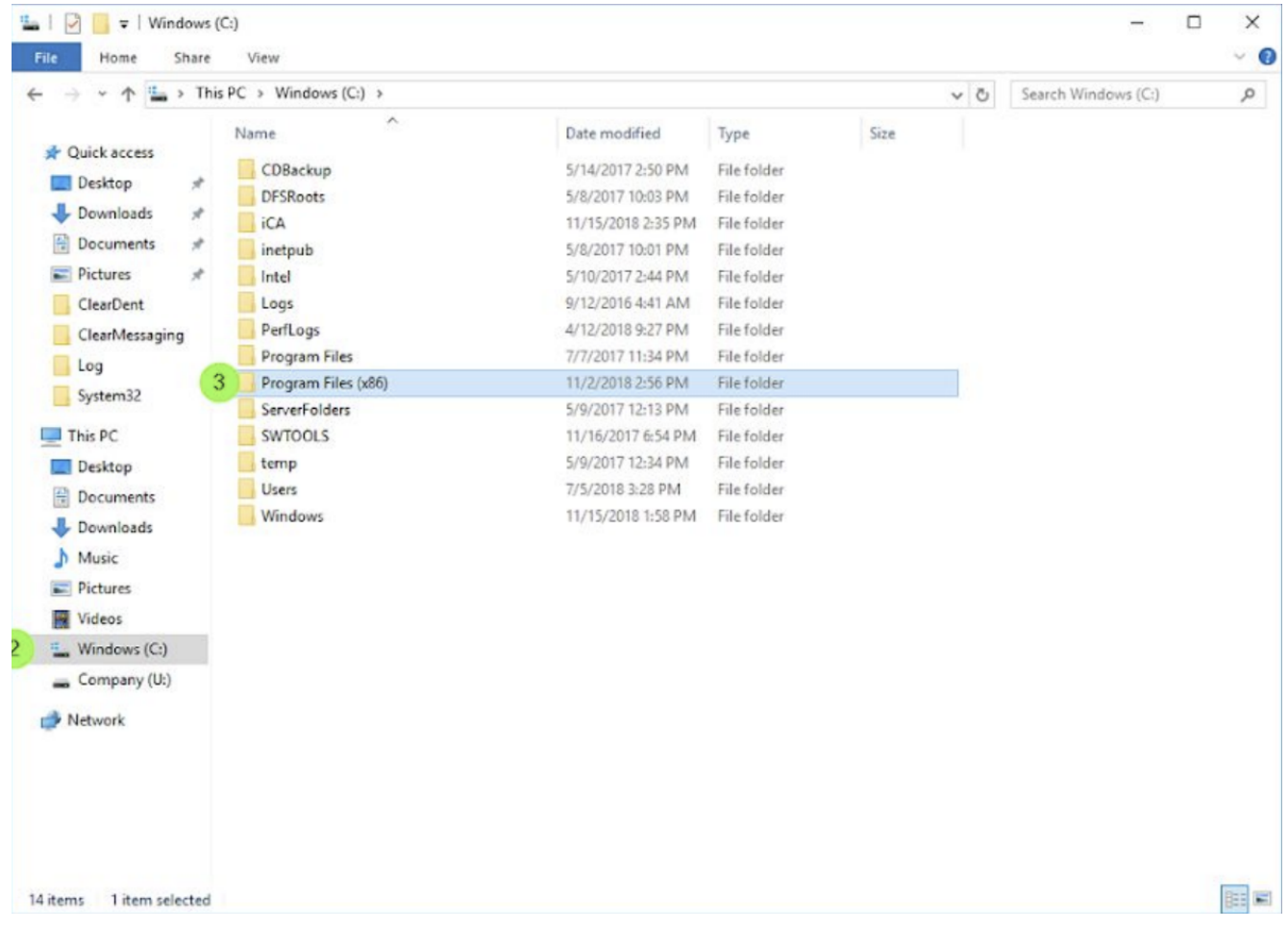
2. Open the computer’s files (Window’s Key + E or the folder Icon pictured below), and click into the main drive (usually the C:\ drive) and open the Program Files (x86) folder.
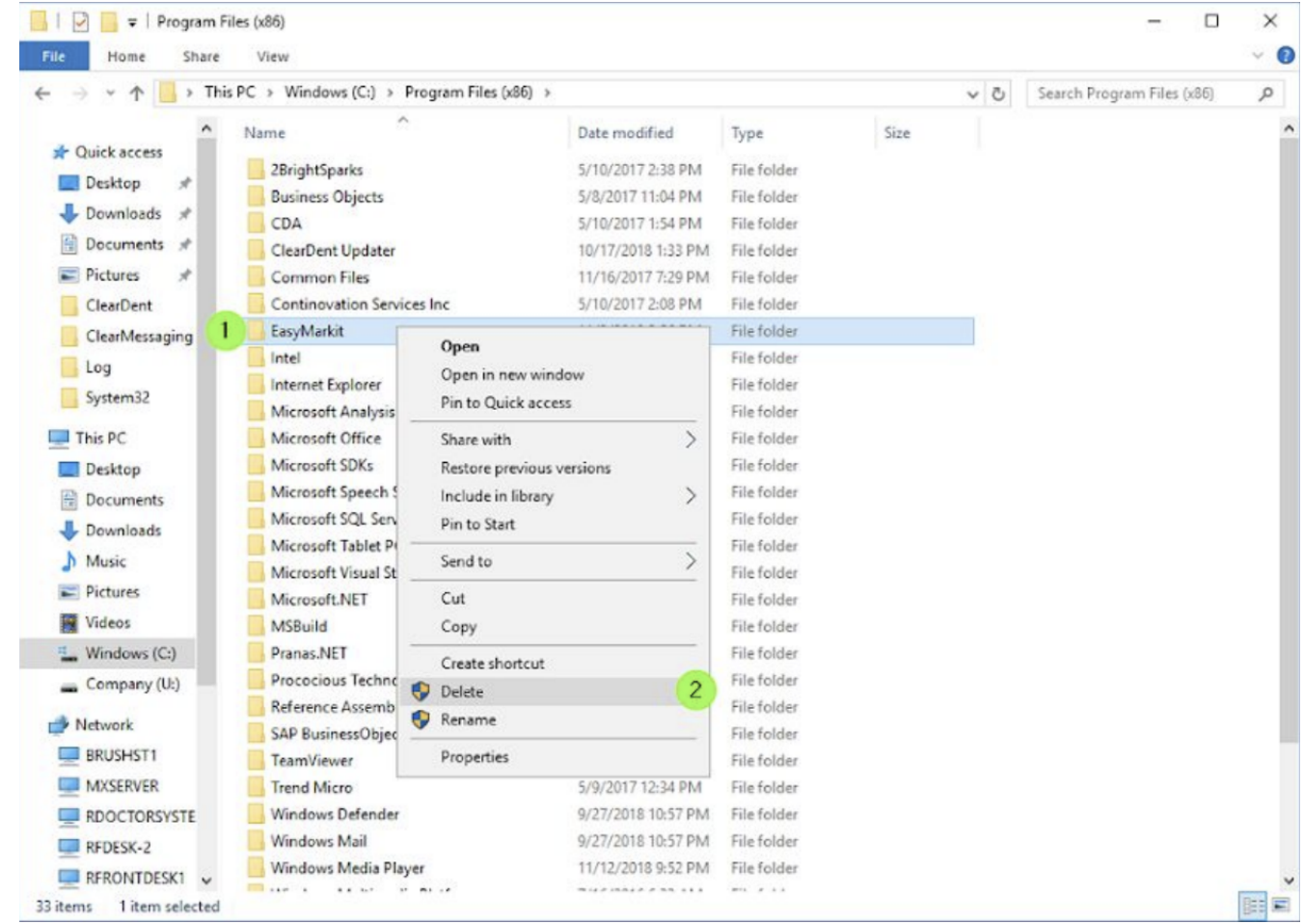
3. Right-click the Intiveo folder and select Delete.
Comments
0 comments
Please sign in to leave a comment.